
Does your Android phone battery drop from 100% to 30% within a few hours, even when you barely use it? Fast battery drain is one of the most common Android problems, and it can make your phone frustrating to use.
Many people immediately think the battery is damaged, but in most cases, fast battery drain is caused by apps, settings, or usage habits — not a faulty battery. The good news is that you can fix most battery drain problems yourself.
In this guide, you’ll learn why your Android battery is draining fast and the easiest, safest fixes that work in 2026.
Why Is My Android Battery Draining Fast?
Before fixing the issue, it’s important to understand the common causes of fast battery drain on Android phones.
The most common reasons include:
- Apps running in the background
- High screen brightness
- Poor network signal
- Battery-hungry apps
- Location services always on
- Old software bugs
- Phone overheating
Now let’s go through the easy fixes step by step.
Check Which Apps Are Draining Your Battery
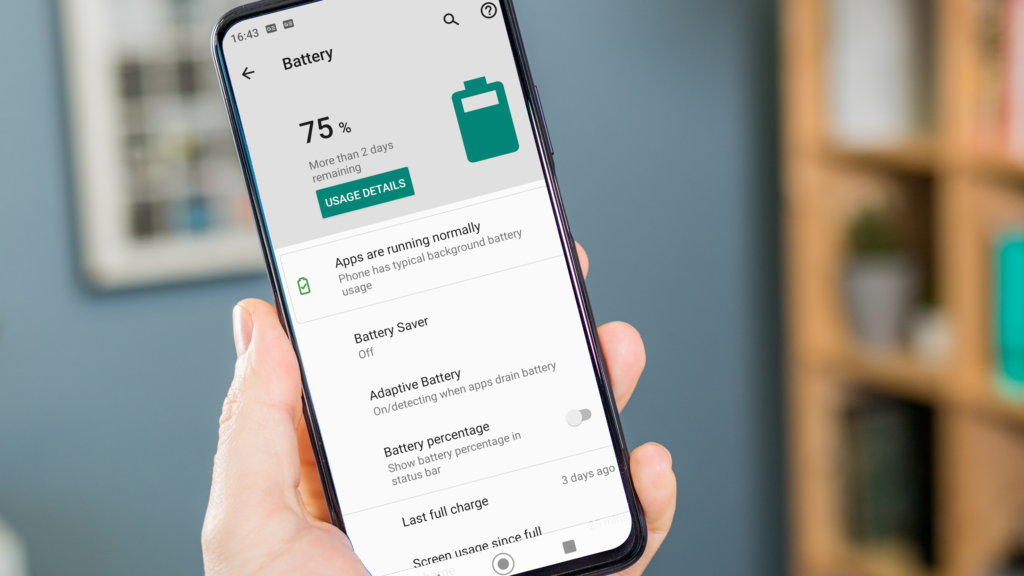
Some apps consume far more battery than others.
What to do:
- Go to Settings → Battery
- Tap Battery Usage
Look for apps using unusually high battery, especially when you haven’t used them much.
Fix:
- Force stop unused apps
- Uninstall apps you no longer need
- Avoid poorly optimized apps
This alone can significantly reduce battery drain.
Reduce Screen Brightness and Screen Timeout
Your phone screen is one of the biggest battery consumers.
Fix:
- Go to Settings → Display
- Turn on Adaptive Brightness
- Reduce brightness manually
- Set Screen timeout to 30 seconds or 1 minute
Lower brightness saves battery immediately.
Turn Off Background App Activity
Many apps continue working even when you’re not using them.
Steps:
- Go to Settings → Apps
- Select an app
- Tap Battery
- Choose Restrict background usage
Focus on social media, shopping, and streaming apps.
Disable Unnecessary Location Services
Location services can drain battery quickly if always active.
Fix:
- Go to Settings → Location
- Turn off location for apps that don’t need it
- Set location access to While using the app
Apps like games and flashlight apps don’t need location access.
Turn Off Features You’re Not Using
Some features drain battery even when idle.
Turn off:
- Bluetooth (when not in use)
- NFC
- Mobile hotspot
- Always-on display (if available)
Turning off unused features helps your battery last longer.
Check Network Signal Strength
Poor signal forces your phone to work harder to stay connected.
If you’re in an area with weak signal:
- Switch to Wi-Fi if available
- Turn on Airplane Mode temporarily
- Avoid heavy usage in low-signal areas
This is a hidden but major cause of fast battery drain.
Update Your Android Software and Apps
Outdated software can contain bugs that drain battery.
What to do:
- Go to Settings → Software Update
- Install available updates
- Update apps from Play Store
Updates often include battery optimization improvements.
Use Battery Saver Mode
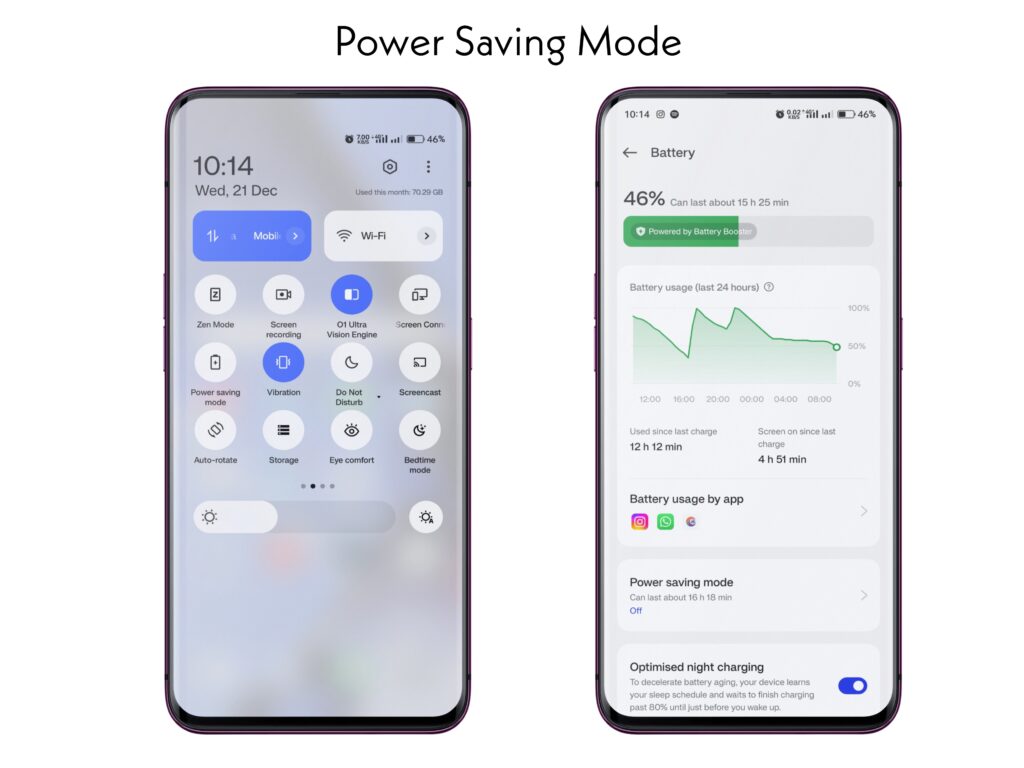
Battery Saver reduces background activity and power usage.
How to enable:
- Go to Settings → Battery
- Turn on Battery Saver
You can also set it to turn on automatically at a certain percentage.
Check for Malware or Spyware
Malicious apps can drain battery by running constantly in the background.
Warning signs:
- Battery draining even when phone is idle
- Phone overheating
- High data usage
Fix:
- Install a trusted antivirus app
- Scan your phone
- Remove suspicious apps
Clear App Cache Regularly
Corrupted cache files can cause apps to misbehave and drain battery.
Steps:
- Go to Settings → Apps
- Select an app
- Tap Storage → Clear Cache
Do not clear data unless necessary.
Avoid Using Phone While Charging
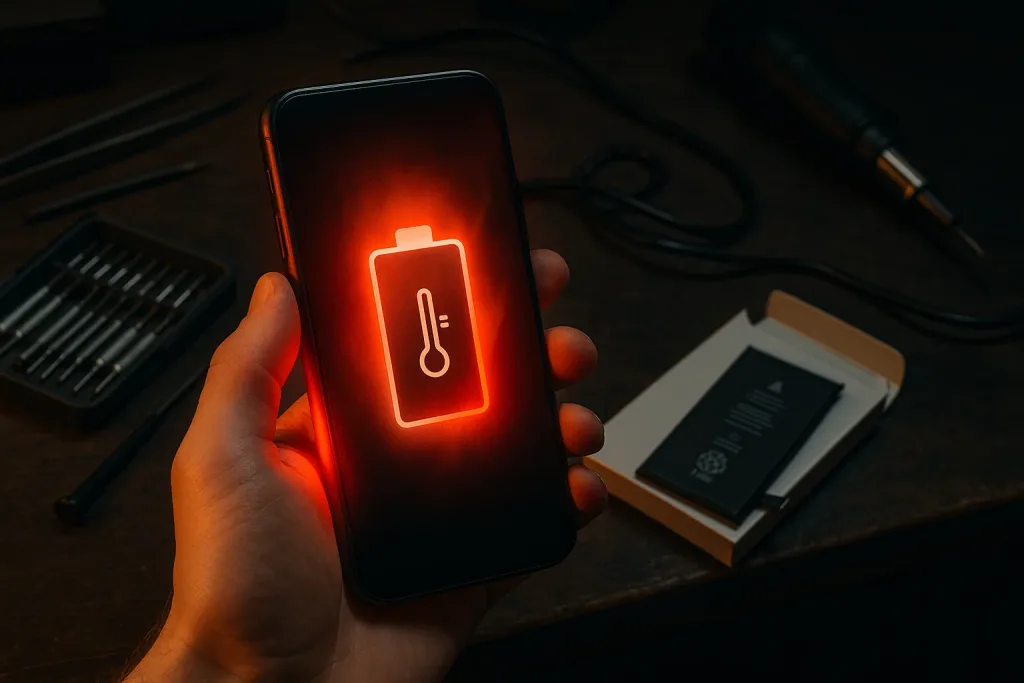
Using your phone while charging causes:
- Extra heat
- Faster battery wear
- Long-term battery damage
Let your phone charge without heavy usage when possible.
Check Battery Health (Older Phones)
If your phone is more than 2–3 years old, the battery may be worn out.
Signs of a bad battery:
- Battery drops suddenly from high percentage
- Phone shuts down randomly
- Battery drains even in airplane mode
In this case, battery replacement may be the best solution.
When Battery Drain Is a Serious Problem
You should seek professional help if:
- Phone overheats constantly
- Battery is swollen
- Phone shuts down at 20–30%
These are signs of hardware issues.
Final Thoughts
Fast battery drain on Android is frustrating, but it’s rarely caused by a single issue. In most cases, background apps, screen settings, poor signal, or outdated software are responsible.
By checking battery usage, limiting background activity, reducing brightness, and keeping your phone updated, you can significantly improve battery life.
If your battery still drains fast after trying all fixes, battery replacement may be necessary.
For more Android fixes and phone performance tips, keep visiting TechFixera.