
Is your Android phone getting hot even when you’re not using it much? You’re not alone. Phone overheating is one of the most common problems Android users face, and if not fixed, it can damage your battery, slow down your phone, and even cause sudden shutdowns.
The good news is most overheating problems can be fixed easily without going to a repair shop.
In this 2026 guide, you’ll learn the main causes of Android phone overheating and simple steps to cool your phone down and prevent it from happening again.
Why Do Android Phones Overheat?
Before fixing the problem, it’s important to understand why your phone is getting hot.
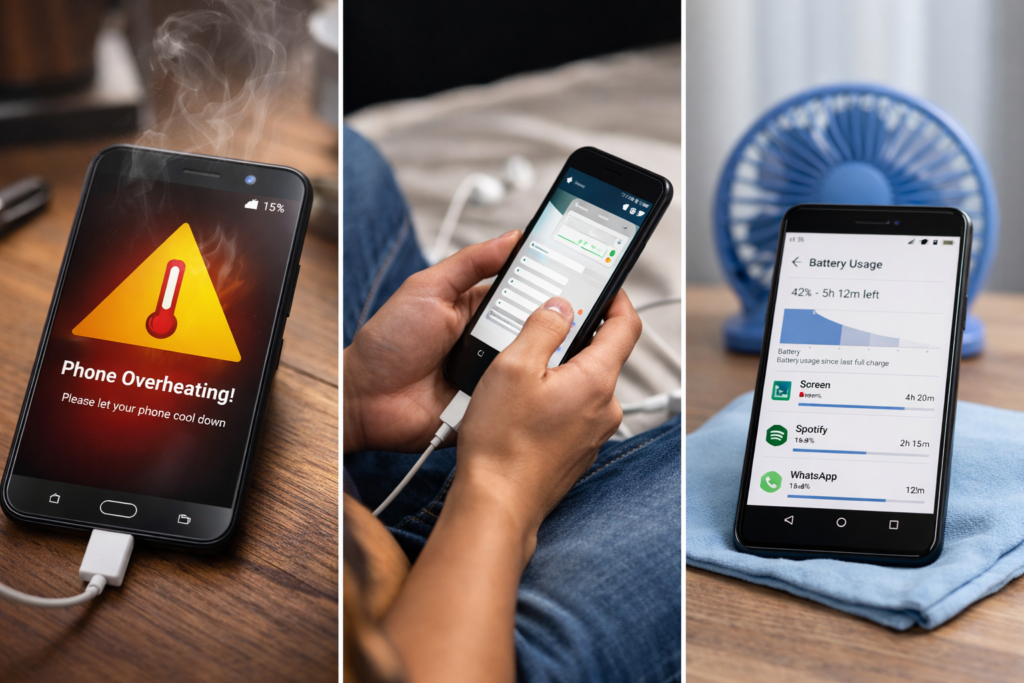
Common Causes of Overheating
- Too many apps running in the background
- Playing heavy games for long hours
- Poor mobile network signal
- Using the phone while charging
- Faulty or fake charger
- High screen brightness
- Malware or harmful apps
- Old or damaged battery
Now let’s go through the solutions step by step.
1. Restart Your Phone
Sometimes your phone overheats because an app is stuck running in the background.
What to do:
- Press and hold the Power button
- Tap Restart
This clears temporary processes and can quickly reduce heat.
2. Close Background Apps
Apps running in the background use your CPU and battery, which increases heat.
How to close them:
- Tap the Recent Apps button
- Swipe away apps you are not using
- Avoid using task killer apps — they can make things worse
3. Reduce Screen Brightness
Your phone screen is one of the biggest sources of heat.
Fix:
- Go to Settings → Display
- Lower brightness manually
- Turn on Adaptive Brightness
This also saves battery.
4. Avoid Using Phone While Charging

Using your phone when charging creates heat from:
- Battery charging
- App usage at the same time
Best practice:
- Let the phone charge without using it
- Avoid gaming or video calls while charging
5. Check Your Charger and Cable
Cheap or damaged chargers can overheat your phone and battery.
What to do:
- Use the original charger
- Replace damaged cables
- Avoid very fast chargers if your phone gets hot easily
If your phone becomes extremely hot while charging, stop charging immediately.
6. Improve Network Signal
When your phone struggles to find signal, it works harder and heats up.
Tips:
- Turn on Airplane mode in weak network areas
- Use Wi-Fi instead of mobile data when possible
Poor signal is a hidden cause of overheating many people ignore.
7. Uninstall Problem Apps
Some apps are badly optimized or contain malware that causes overheating.
How to find them:
- Go to Settings → Battery → Battery Usage
- Check which app is using too much power
If you see an app using abnormal battery:
- Uninstall it
- Restart your phone
8. Scan for Malware
Viruses and spyware can run in the background and overheat your phone.
What to do:
- Install a trusted antivirus app from Google Play Store
- Run a full scan
- Remove harmful apps
Avoid downloading apps from unknown websites.
9. Update Your Android Software
Updates often fix bugs that cause battery drain and overheating.
Steps:
- Go to Settings → Software Update
- Download and install updates if available
Always keep your phone updated in 2026 — it improves both security and performance.
10. Remove Phone Case Temporarily
Thick phone cases trap heat, especially while gaming or charging.
Try this:
- Remove the case when the phone is hot
- Let the phone cool naturally
Never put your phone in a fridge or freezer — sudden temperature change can damage it.
11. Check Battery Health
If your phone is old, the battery may be damaged and overheating.
Signs of bad battery:
- Phone gets hot even when idle
- Battery drains very fast
- Phone shuts down suddenly
In this case, replacing the battery is the safest solution.
What NOT to Do When Your Phone Overheats
Avoid these mistakes:
- Don’t put phone in freezer
- Don’t charge with wet hands or in hot rooms
- Don’t ignore repeated overheating
- Don’t keep gaming when phone is hot
Overheating can permanently damage internal parts if ignored.
When Should You Visit a Repair Shop?
You should seek professional help if:
- Phone overheats even when idle
- Phone smells burnt
- Battery is swollen
- Phone shuts down frequently
These are signs of serious hardware problems.
How to Prevent Android Phone Overheating
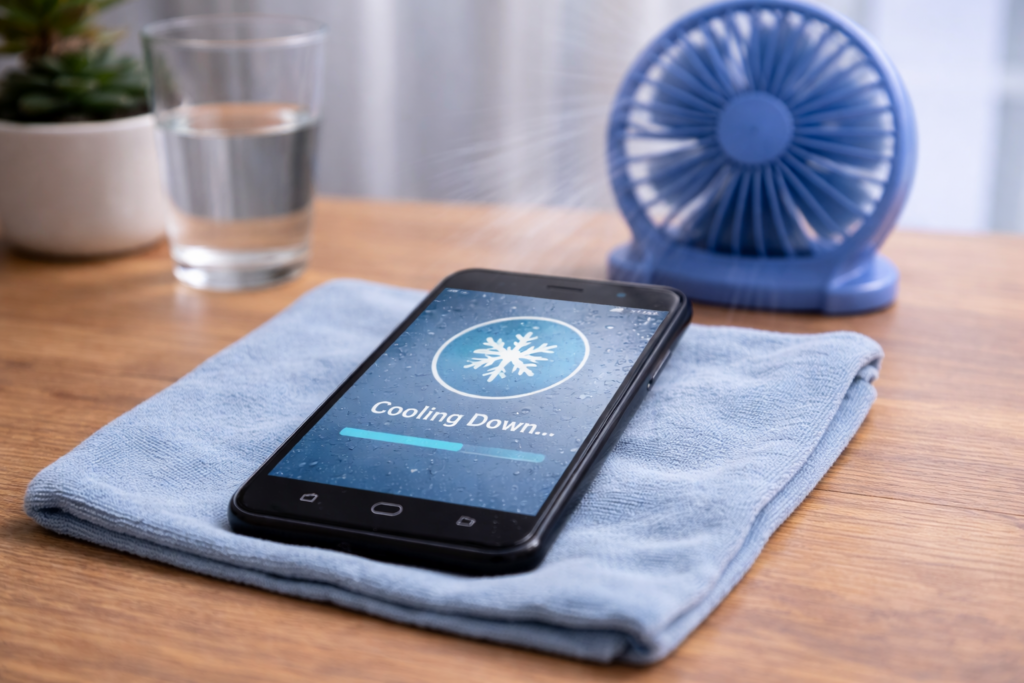
Follow these daily habits:
- Close unused apps
- Keep phone software updated
- Avoid fake chargers
- Don’t overcharge overnight
- Avoid heavy gaming for long hours
- Keep storage space free
Prevention is always better than repair.
READ: WhatsApp Messages Not Sending? Here’s How to Fix It (2026 Guide)
Final Thoughts
Android phone overheating is common, but it doesn’t mean your phone is broken. In most cases, simple fixes like closing background apps, avoiding phone use while charging, and removing harmful apps can solve the problem.
If your phone still overheats after trying these steps, it may be time to replace the battery or visit a repair center.
For more simple tech fixes and online safety tips, keep visiting TechFixera.