
The internet is full of useful websites but it’s also full of fake ones designed to steal your money, passwords, or personal information. Many fake websites look almost identical to real ones, which makes them difficult to spot at first glance.
You might land on a fake banking page, shopping store, or login form without realizing it. Entering your details on such sites can lead to hacked accounts or financial loss.
The good news is that fake websites almost always leave warning signs. In this guide, you’ll learn how to know if a website is fake or safe, using simple checks that anyone can do in seconds.
Why Fake Websites Exist
Fake websites are created mainly for:
- Phishing (stealing login details)
- Online shopping scams
- Malware distribution
- Identity theft
- Payment fraud
Scammers rely on people trusting what they see without verifying.
Check the Website URL Carefully
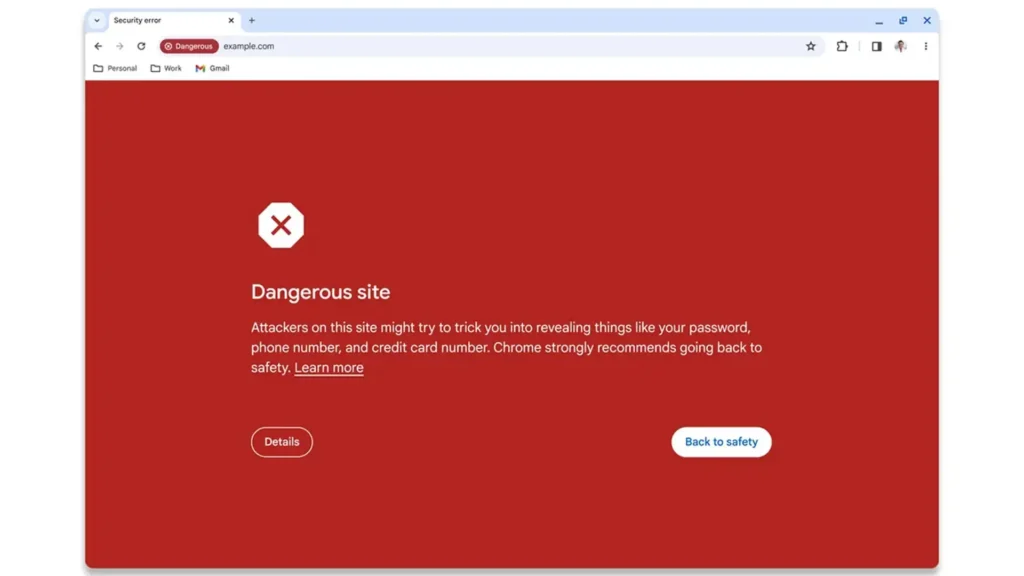
One of the easiest ways to detect a fake website is by examining the URL.
Scammers often create URLs that look similar to real ones, such as:
- faceb00k.com
- paypaI.com (uppercase i instead of L)
- amaz0n.net
What to check:
- Spelling mistakes
- Extra characters
- Wrong domain endings
If anything looks unusual, do not proceed.
Look for HTTPS — But Don’t Trust It Alone
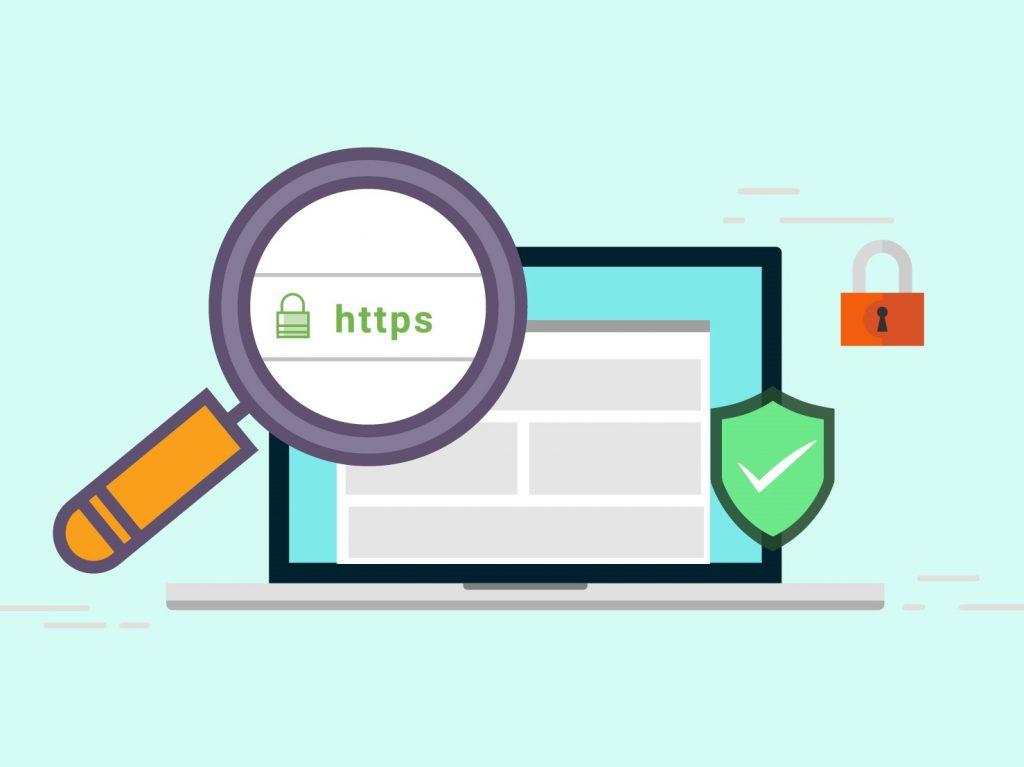
A secure website usually shows a lock icon and starts with https://.
This means the connection is encrypted, but it does NOT guarantee the site is legitimate.
Many fake websites also use HTTPS.
So treat HTTPS as a basic requirement, not proof of safety.
Check Website Design and Quality
Fake websites often look slightly “off.”
Warning signs include:
- Poor grammar or spelling
- Blurry images
- Broken buttons
- Inconsistent branding
- Pop-ups everywhere
Legitimate companies invest in professional design and user experience.
Verify Contact Information
Real businesses provide clear contact details.
Look for:
- Physical address
- Email address
- Phone number
- Social media presence
If contact details are missing or suspicious, the site may be fake.
Search for Website Reviews
Before trusting a website, search its name with words like:
- “reviews”
- “scam”
- “legit”
Example:
examplewebsite reviews
If many users report scams, avoid the site.
Fake sites can install malware. See Signs Your Phone Has Spyware and How to Remove It.
Check Domain Age (Powerful Trick)
Many scam websites are newly created.
You can check domain age using tools like:
- WHOIS lookup websites
- Domain age checkers
If a site claiming to be a big brand was created recently, that’s suspicious.
Beware of Deals That Look Too Good
Fake stores often lure victims with extremely low prices.
Examples:
- New iPhone for 80% off
- Designer products extremely cheap
- Limited-time “urgent” offers
If the price looks unrealistic, it probably is.
Watch for Urgency and Fear Tactics
Fake websites often pressure users.
Messages like:
- “Act now or lose your account”
- “Offer expires in 5 minutes”
- “Verify immediately”
Scammers want you to act without thinking.
Legitimate companies rarely use aggressive urgency.
Check Payment Methods
Secure websites usually offer trusted payment methods like:
- Credit/debit cards
- PayPal
- Trusted payment gateways
Warning signs:
- Only cryptocurrency payments
- Only bank transfers
- Requests for gift cards
These are common scam payment methods.
Scan the Website with Online Safety Tools
You can scan suspicious websites using:
- Google Safe Browsing
- VirusTotal
- URL scanning tools
These services check if a site is flagged for malware or phishing.
Check for Copycat Login Pages
Fake login pages are very common.
Before logging in:
- Ensure URL matches official site
- Check for spelling errors
- Avoid login pages opened through links
Best practice: always type the website address manually.
What to Do If You Already Used a Fake Website
If you suspect you interacted with a fake site:
- Change passwords immediately
- Contact your bank if payment was made
- Enable two-factor authentication
- Scan your device for malware
Acting quickly can prevent further damage.
How to Stay Safe While Browsing
Develop these habits:
- Bookmark important websites
- Avoid clicking unknown links
- Use browser security features
- Install trusted antivirus apps
- Keep your phone and browser updated
Online safety is mostly about awareness.
Fake websites are becoming more convincing every year, but they still leave clues. By checking URLs, verifying reviews, examining design quality, and avoiding unrealistic offers, you can quickly tell whether a site is trustworthy.
Learning how to know if a website is fake or safe is one of the most valuable online skills you can have. A few seconds of verification can save you from serious financial and privacy problems.
For more online safety guides and Android tips, keep visiting TechFixera.